Claude Code Remote Control Killed My Phone Workflow
 7 min read

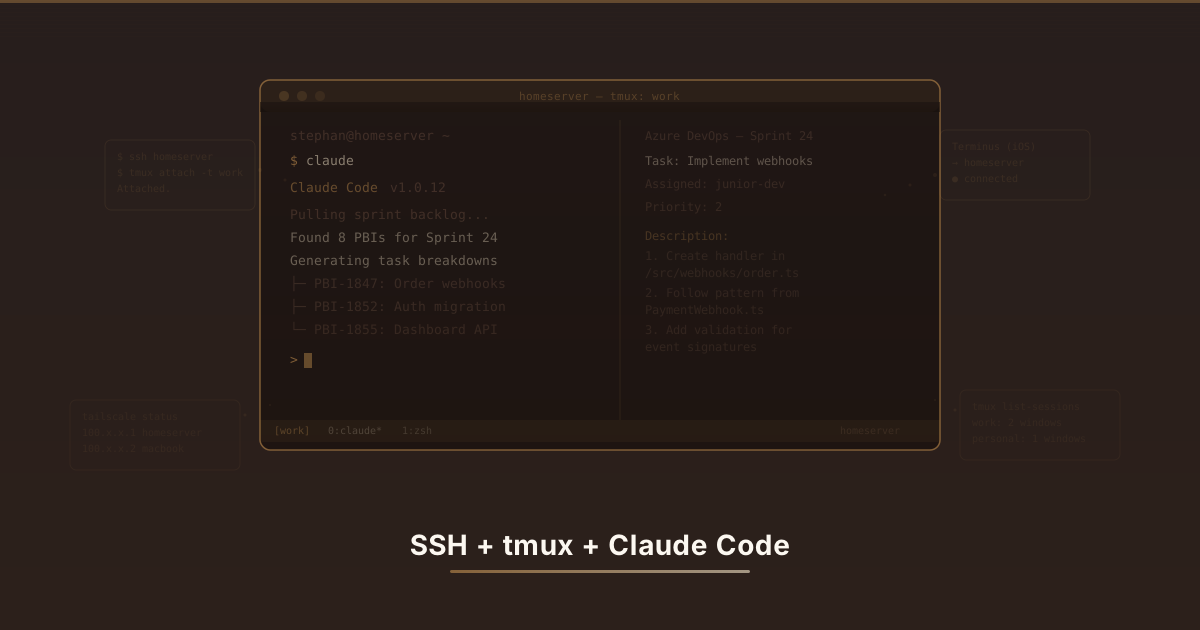
I wrote an entire blog post about running Claude Code on a home server with SSH, tmux, Tailscale, and a prayer. I built the whole thing. Used it daily. It worked. I don’t regret a single line of that tmux config.
Then, days after I published that post, Anthropic shipped Remote Control. A built-in feature that does the phone part of my setup in two letters: /rc. That’s how fast Claude Code is moving right now. You build a workflow, you blog about it, and by the time the post is indexed, half of it has a first-party replacement. I’m impressed by the speed. I’m also aware that my last post now reads like a guy proudly explaining his homemade ice delivery system the week after refrigerators were invented.
What Remote Control Actually Is
Remote Control is a feature in Claude Code (Anthropic’s CLI tool) that lets you connect to a running session from your phone or any browser through claude.ai/code. You run one command, get a URL and a QR code, scan it, and you’re controlling your local Claude Code session from another device.
The key part: Claude still runs locally on your machine. Your filesystem, your MCP servers, your project config, all still there. The phone or browser is just a remote window into the session. It’s not “Claude in the cloud,” it’s “your Claude, from somewhere else.”
Remember all that SSH and tmux stuff from my last post? I built all of that, used it every day, loved it. Then days later Anthropic just… built the phone part into Claude Code. That’s how fast this tool moves. You finish your LEGO creation and next week it’s in the official LEGO catalog.
Remote Control lets you run one command and control your Claude Code from your phone or any web browser. The AI still lives on your computer. Your phone is just the remote control (hence the name, I guess). Like playing a video game on your TV but holding the controller from the couch. Except the couch can be anywhere in the world.
Setting It Up
Two ways to start it. From a fresh terminal:
claude remote-controlOr from inside an existing Claude Code session:
/remote-controlBoth have short aliases (claude rc and /rc). It shows a session URL and a QR code. Open the URL in a browser or scan the QR code with the Claude mobile app. That’s it.
# Start a new session with remote control
claude rc

# Or from inside an existing session
# (carries over your conversation history)
/rc
Give your session a name first with /rename if you’re running multiple sessions. Makes the session list on claude.ai/code less confusing than “Unnamed Session 1 through 47.”
Starting it is two letters:
# From your terminal, start Claude Code with remote control
claude rc
# Or if Claude Code is already running, type this inside it
/rcIt shows you a link and a QR code. Open the link on your phone’s browser or scan the QR code with the Claude app. Done. That’s the whole recipe. My SSH post was 800 lines. This section is 6.
What Changed
The phone experience used to be Terminus, which was SSH on a touchscreen. I described it in my last post as typing with oven mitts. Here’s the before and after:
Before (Terminus):
- Open Terminus
- SSH into home server through Tailscale
tmux attach -t work- Navigate to the right window/pane
- Try to type on a tiny keyboard while the connection hiccups
- Give up and wait until I’m at a computer
After:
- Open the Claude app
- Tap on my session
I went from barely using my phone for Claude to using it multiple times a day. Review output while waiting for coffee. Kick off a task from the couch. Check if a build finished during lunch. Turns out the problem was never “checking on AI from your phone is a dumb idea.” The problem was Terminus.
Before: Open Terminus, SSH into server, attach to tmux, squint at a tiny terminal, give up. Five steps and a headache.
After: Open the Claude app. Tap the session. Done.
Remember how I said using Terminus on my phone was like “coloring with crayons while wearing oven mitts”? Remote Control is like taking the oven mitts off. A proper screen with proper buttons where I can actually read what Claude is doing. I use it from my phone constantly now because it doesn’t make me want to throw the phone at a wall.
Rough Edges
It’s still a “research preview,” and it shows.
One remote session at a time. Can’t Remote Control multiple Claude instances simultaneously. Fine for me, but worth knowing.
The session URL is the only security. Anyone with the URL has full access to your session. Don’t screenshot it, don’t paste it in Slack. For personal use this is acceptable. For anything sensitive, think twice.
Network timeout. If the CLI loses network for more than about ten minutes, the Remote Control bridge dies. You have to /rc again. The Claude process itself survives (especially if you’re running it in tmux), but the remote connection needs to be rebuilt.
Early jank. Authentication hiccups, occasional API errors, the remote UI sometimes showing stale state. Anthropic ships fixes fast, but expect rough spots.
It’s new and a little wobbly. Sometimes the connection gets confused, sometimes the app shows old stuff. Only one session at a time. And the link to your session IS the password, so don’t go sharing it around.
It’s like getting a brand new crayon set where a couple of the crayons are slightly crooked. They still color fine, but you notice.
The Honest Assessment
I don’t regret the SSH + tmux + Tailscale setup. I used it. It worked. It solved a real problem at the time. But Claude Code is moving so fast that features I had to duct-tape together are becoming built-in. Remote Control shipped days after my post. That’s the pace right now. You build a workaround on Monday and there’s a first-party feature by Friday.
The SSH stack still gets used for full terminal work, and tmux still keeps sessions alive. But increasingly, Remote Control handles the quick check-ins and cross-device stuff that used to justify all that plumbing. If I were starting from scratch today, I’d probably try Remote Control first and only set up the full SSH stack if I needed more.
I’ve also been leaning into automated development through GitHub Actions, timegating Claude-powered tasks to run during evenings and nights so I’m not burning through tokens during work hours when I need them for interactive sessions. The workflow keeps shifting. That’s not a complaint. It just means my previous blog post ages a little worse every week, and I’ve accepted that.
I don’t regret building the whole SSH + tmux + Tailscale LEGO city. I used it. It worked. It was fun to build. But Claude Code is moving so fast that the stuff I had to build myself keeps becoming a built-in feature. I finished my LEGO city and the next week they started selling it as a kit.
I’ve also started running automated coding tasks through GitHub overnight, so I save my tokens for during the day when I’m actually working. The way I use Claude Code keeps changing, not because the old way was wrong, but because the new way keeps getting better. I’ve never had a tool move this fast under me before. It’s like trying to review a restaurant that keeps changing the menu while you’re eating. My last post now looks like I wrote 800 lines about a problem that got solved in 2.
Using Remote Control with any interesting setups? I’m curious if anyone has figured out a clean way to auto-enable it when a tmux session starts. Still doing it manually like some kind of caveman.


Stephan Birkeland
Consultant and developer based in Norway. Runs on coffee, curiosity, and a questionable number of side projects.